Click to download now, finish the installation quickly, and directly unlock the all-round experience
Screenshots
Click to download now, finish the installation quickly, and directly unlock the all-round experience
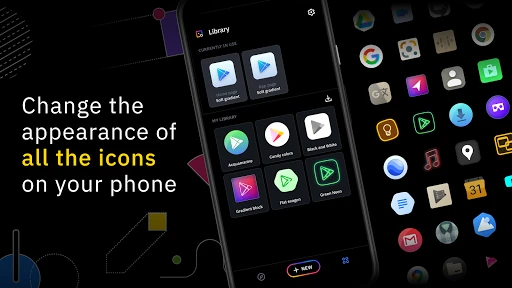
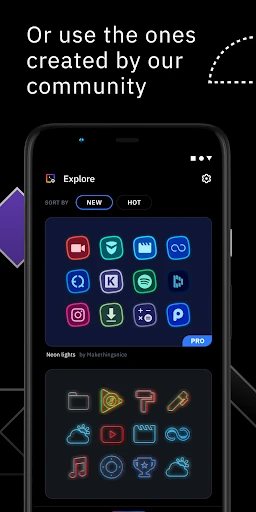
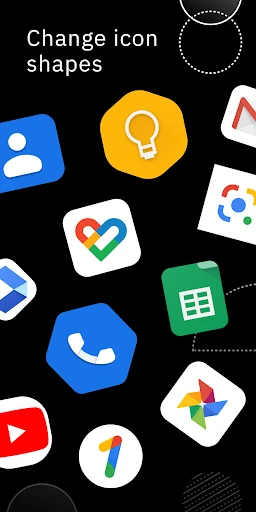
Icon Pack Studio is a personalization tool for Android users who want more control than a ready-made icon pack allows. It lets you create a pack by adjusting the shape, scale, position, and appearance of icon elements, then apply the result through a compatible launcher. It suits anyone who wants a consistent home screen without having to accept the look of a fixed pack.
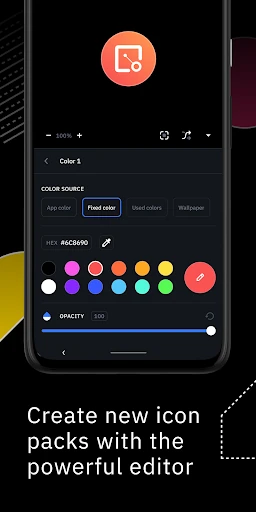
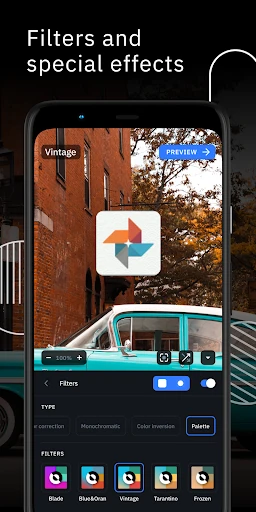
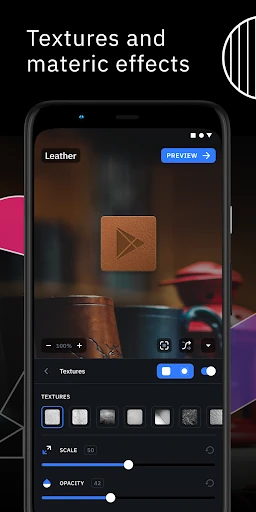
The editor supports effects such as shadows, lighting, textures, and bezels, so you can make anything from a plain monochrome set to a more layered design. You can also import an icon pack already installed on your device and modify it instead of starting over. Packs made in the app are intended to cover the apps on your phone, including ones that may be missing from a standard downloaded pack.
Icon Pack Studio is built to work with Smart Launcher, but it also supports a broad selection of other launchers. Compatibility includes Nova Launcher, Action Launcher, Lawnchair, Hyperion, Microsoft Launcher, Niagara Launcher, Poco Launcher, and Total Launcher, among others. It does not support every Android home screen: Pixel Launcher, Samsung One UI Home, Xperia Home, Huawei Launcher, and several other stock or manufacturer launchers are listed as unsupported. Check your launcher before building a full setup.
The Smart Launcher Team’s app has passed 5,000,000 installs and holds a 4.3 rating from more than 18,000 reviews. Those figures point to an established tool rather than a niche icon experiment. Choose it if you are willing to spend some time tuning details and already use a launcher that can apply custom icon packs; if you want instant results with no editing, a fixed pack will be simpler.