Click to download now, finish the installation quickly, and directly unlock the all-round experience
Screenshots






Click to download now, finish the installation quickly, and directly unlock the all-round experience
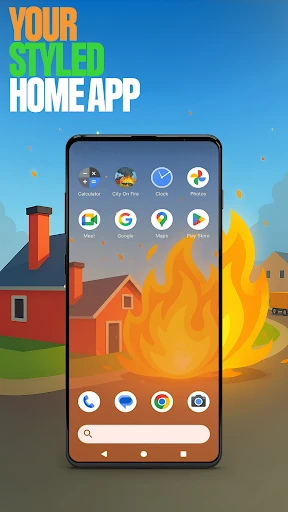
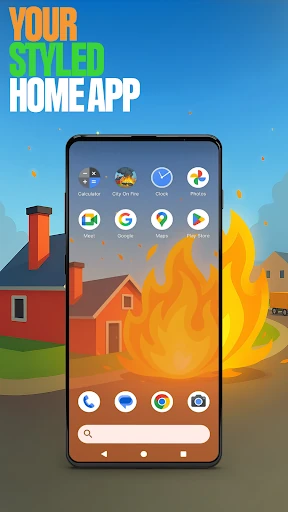
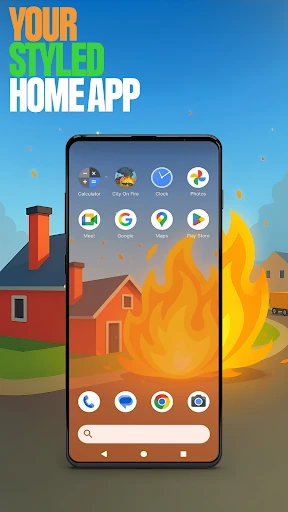
City On Fire Home App replaces your usual Android home screen with a customizable launcher based on the City On Fire theme. It suits anyone who wants more control over how apps are arranged and how the home screen looks, without changing the rest of the phone. Hadiz Studio’s app has passed 1,000,000 installs and holds a 4.46 rating from 3,120 reviews.
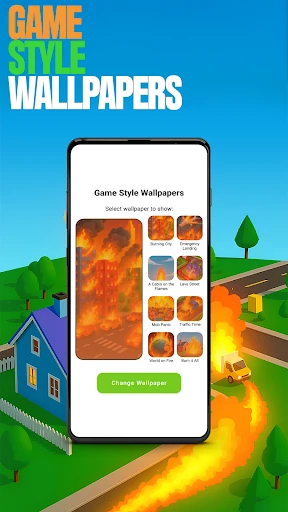
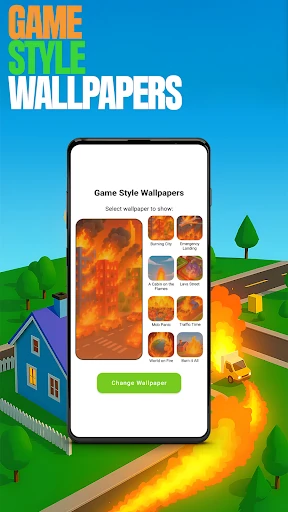
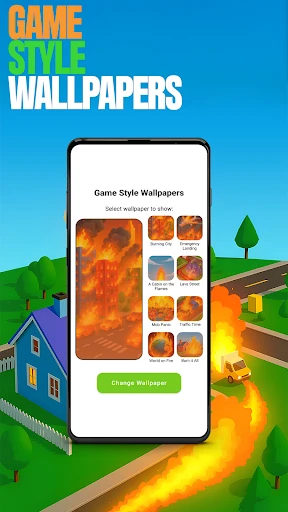
The launcher lets you organize apps on the home screen, place them into folders, and choose an accent colour for the interface. You can select from preset colours or create a look that better matches your wallpaper and icons. Wallpaper options are also included, with designs connected to the City On Fire theme.
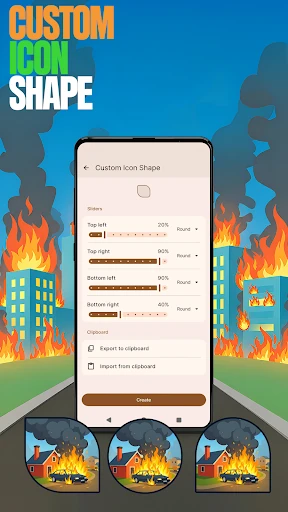
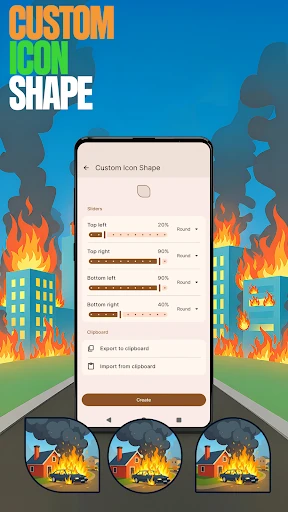
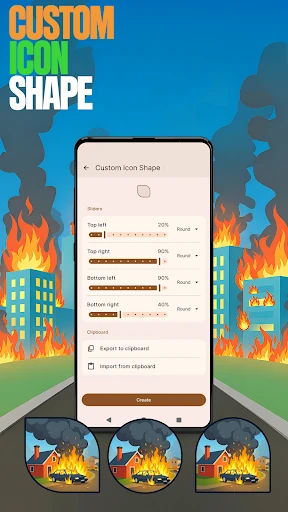
The home screen also provides access to the City On Fire game through its game icon. That makes the app more than a visual launcher, although its main function remains home-screen customization. If you want a themed interface with folders, gesture shortcuts, icon changes, hidden apps, and matching wallpapers in one place, this is a focused choice rather than a general-purpose catalogue of launcher tools.