Click to download now, finish the installation quickly, and directly unlock the all-round experience
Screenshots
Click to download now, finish the installation quickly, and directly unlock the all-round experience
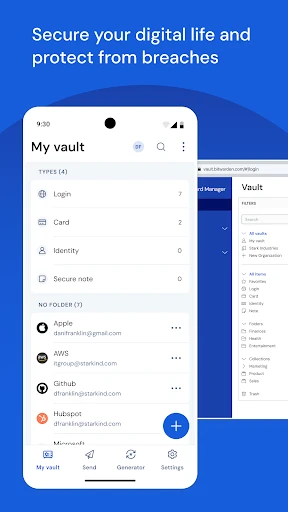
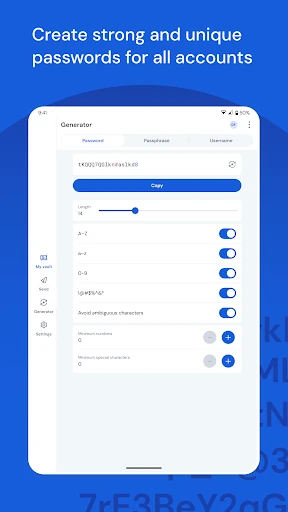
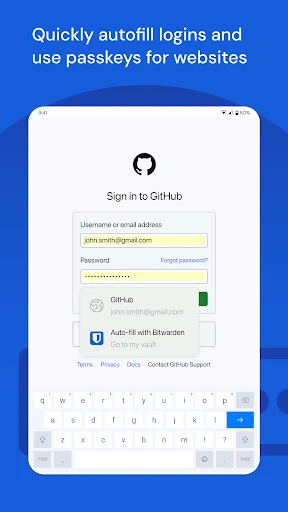
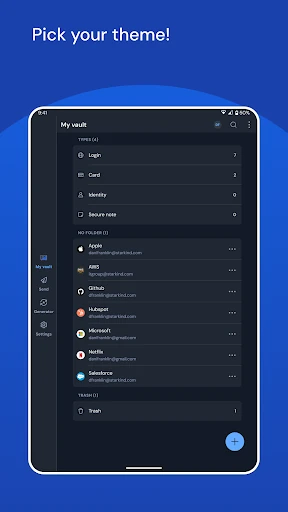
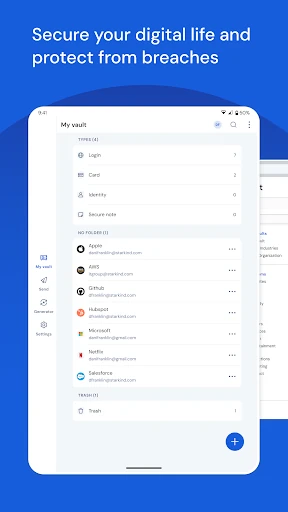
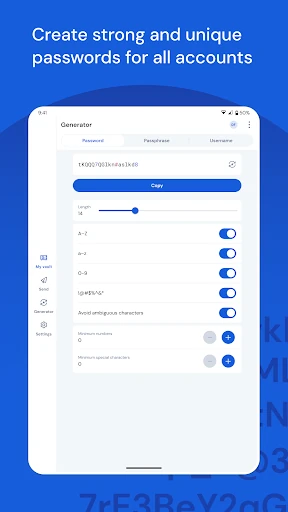
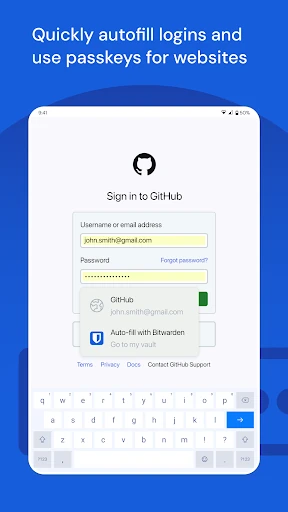
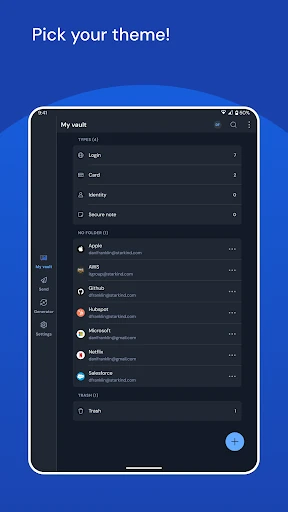
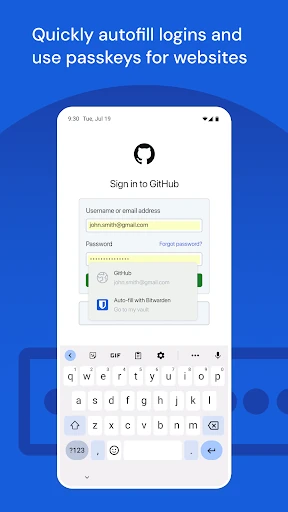
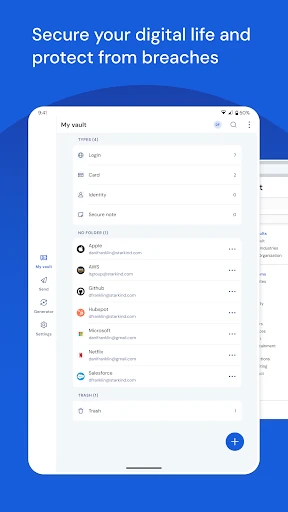
Bitwarden Password Manager stores passwords and other login details in an encrypted vault, then helps you retrieve them when signing in to websites and apps. Its autofill support is useful for anyone tired of switching between a password list and a login screen, while passkey support gives users another way to sign in where available.
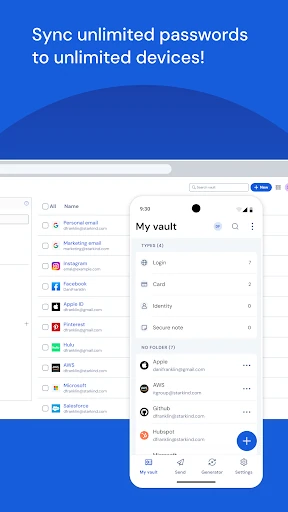
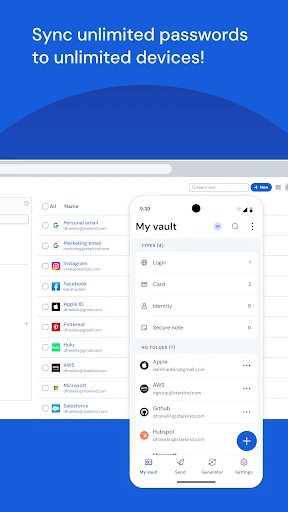
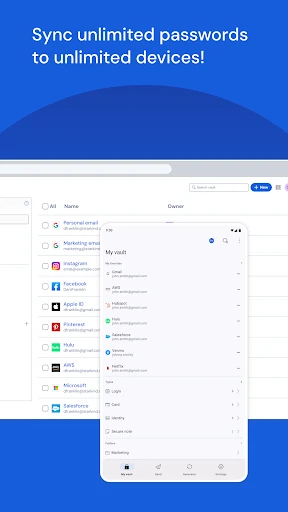
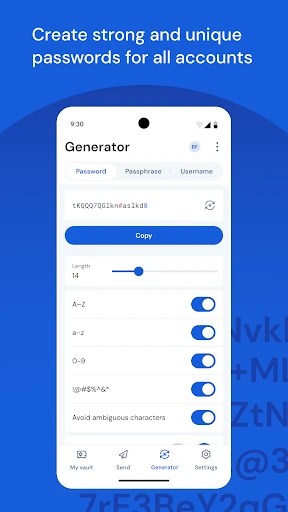
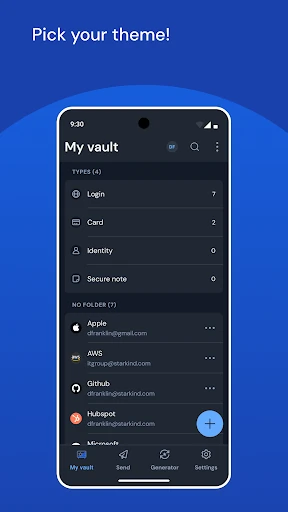
Bitwarden is suited to people who use a phone alongside a computer, tablet, or browser. The vault can sync across platforms, so changes made on one device remain available elsewhere. That makes it practical for managing a growing collection of personal, work, shopping, and banking accounts without reusing the same password.
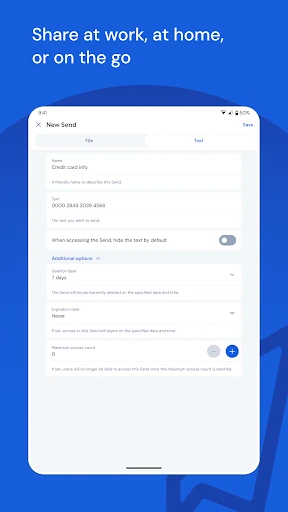
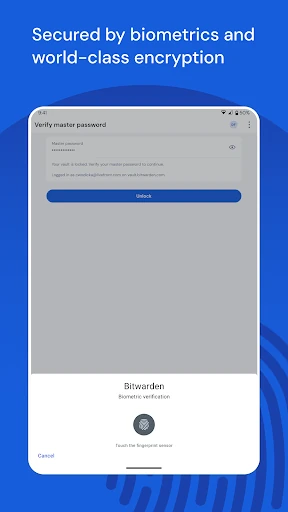
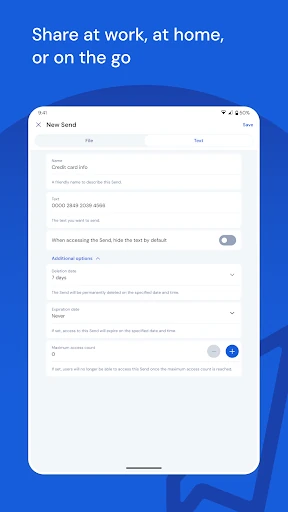
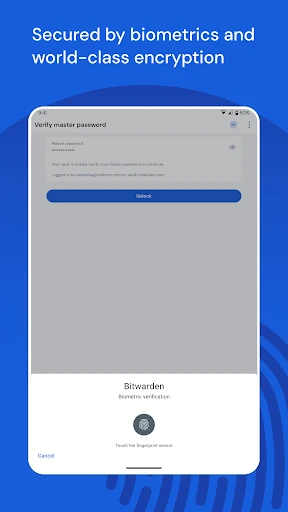
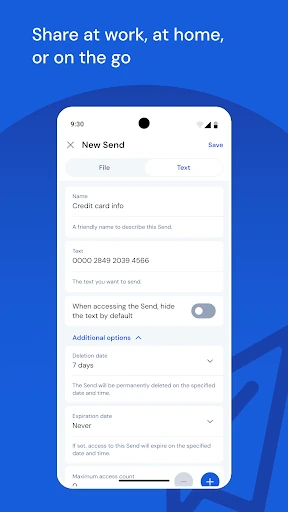
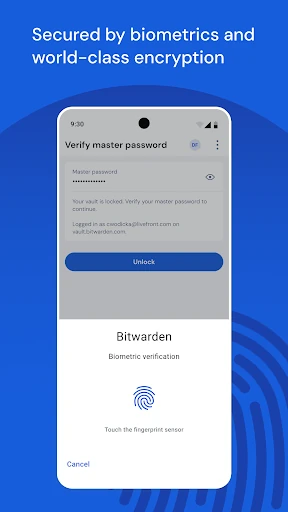
The app uses end-to-end encryption to protect vault data, and its open-source approach lets the underlying code receive public scrutiny. Bitwarden also supports secure sharing through Bitwarden Send, which can be used for sensitive text or files with controls such as expiration. These tools will appeal to users who want more control over their credentials rather than a basic password notebook.
With a 4.76 rating from 132,489 reviews and 5,000,000+ installs, Bitwarden has a substantial Android user base. It is published by Bitwarden Inc. and sits in the Productivity category. The interface is functional rather than decorative, which suits users who value quick access, consistent organisation, and security settings over visual extras.