Pencil Sketch Photo Editor
Maxlabs Photo Editor
Downloads
10,000,000+
Version
Latest
Click to download now, finish the installation quickly, and directly unlock the all-round experience
Screenshots
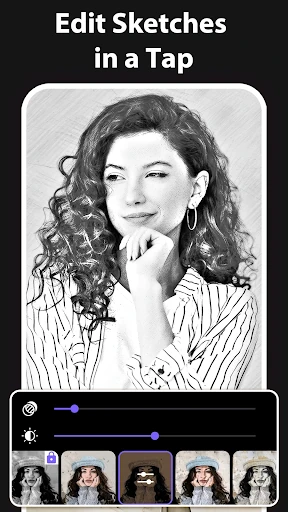
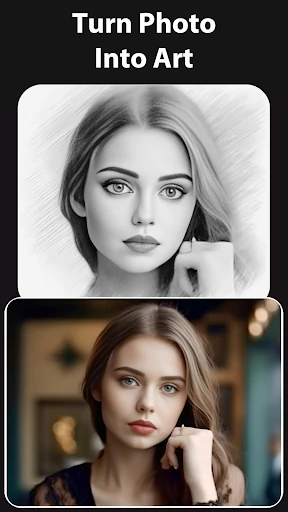
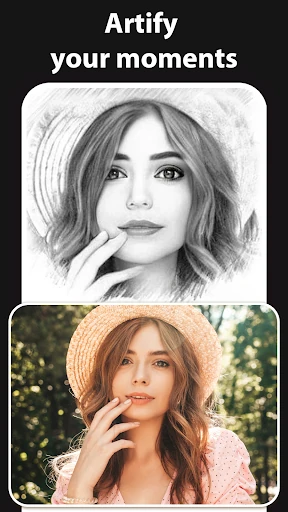
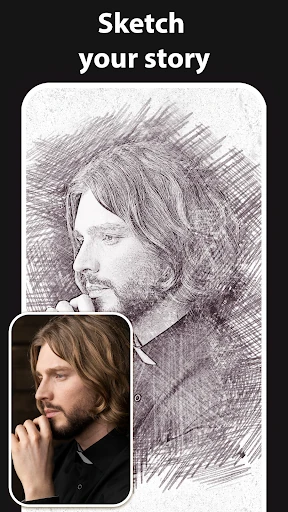
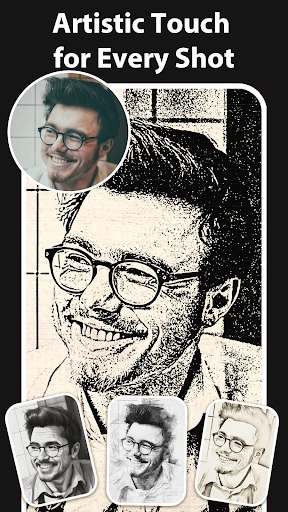
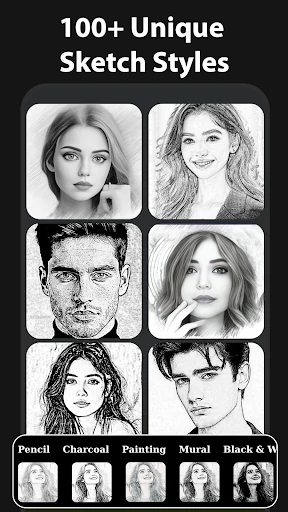
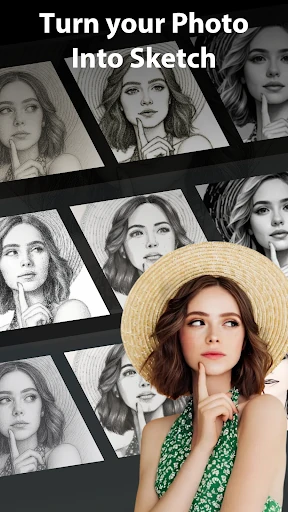
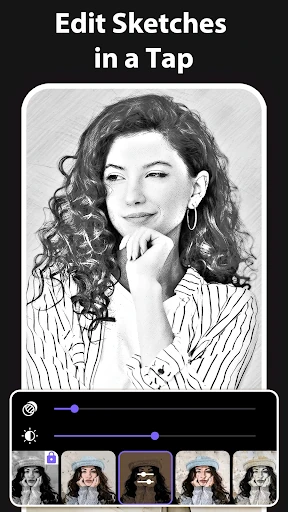
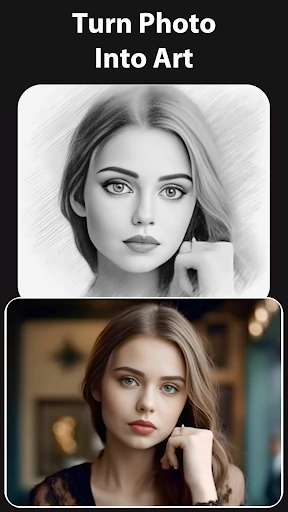
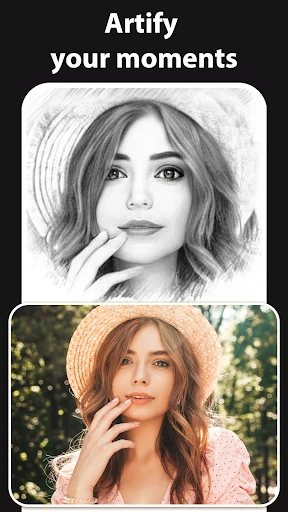
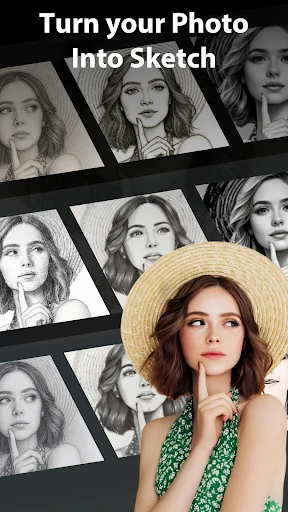
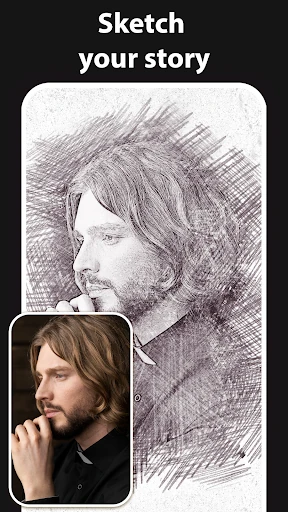
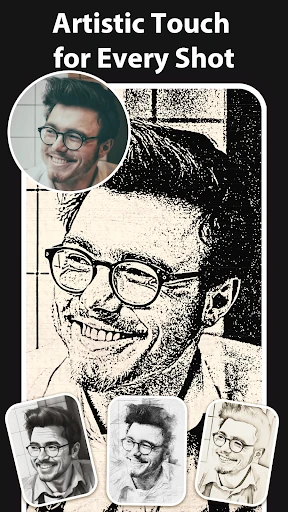
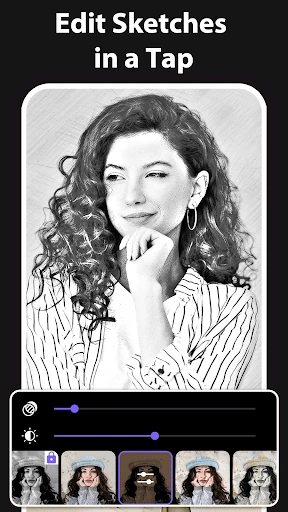
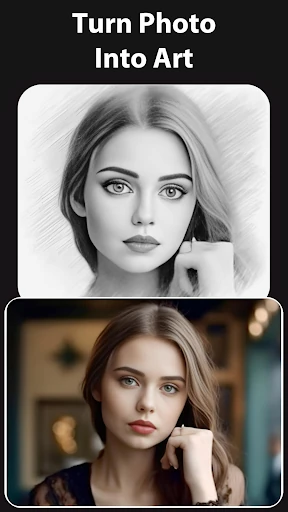
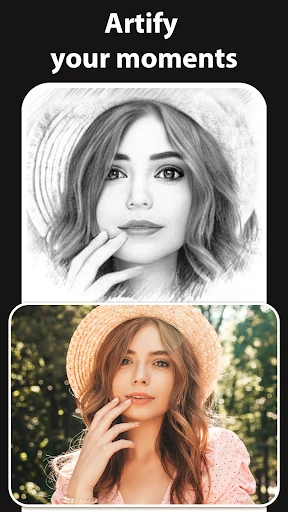
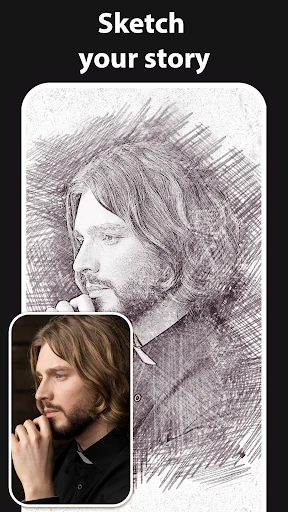
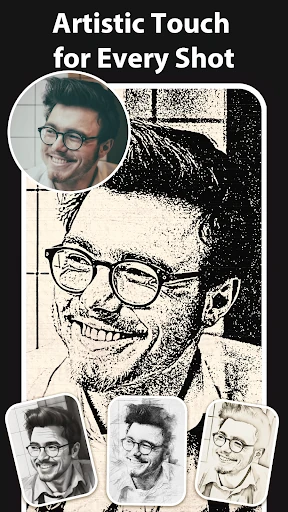
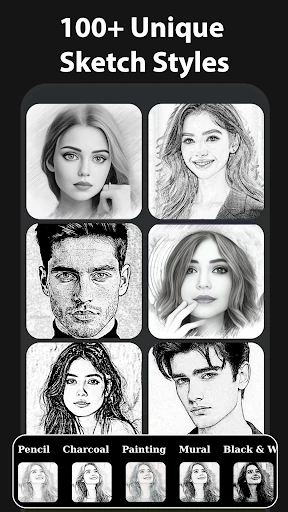
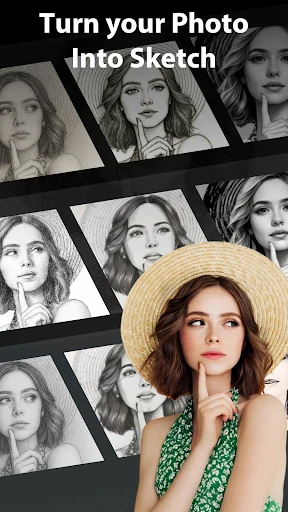
Click to download now, finish the installation quickly, and directly unlock the all-round experience
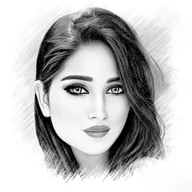
Pencil Sketch Photo Editor is a photography app for transforming pictures into drawings, sketches, doodles, hatch effects, and cartoon-style images. It suits anyone who wants to give portraits, objects, landscapes, or everyday snapshots a hand-drawn appearance without using a full editing suite.
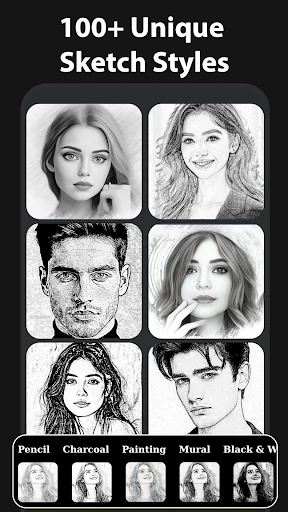
The app includes 2D sketch options such as Sketch, Doodle, and Hatch, along with effects for black or white strokes, pastel looks, pencil lines, color sketches, stamps, halftones, and cartoon drawings. A 3D sketch mode is also available for combining photographic subjects with a drawn appearance.
This is a straightforward choice for making profile pictures, playful portraits, illustrated scenery, or social posts from images already on your phone. The range of controls gives you room to soften an effect or make the lines more pronounced, while the cartoon feature offers a less realistic alternative to the pencil styles.
With a 4.27 rating from 62,209 reviews and more than 10 million installs, Pencil Sketch Photo Editor has clear staying power among mobile photo-effect apps. It is made by Maxlabs Photo Editor and keeps its focus on one practical idea: turning ordinary photos into drawings and stylized illustrations.