
Click to download now, finish the installation quickly, and directly unlock the all-round experience
Screenshots
Click to download now, finish the installation quickly, and directly unlock the all-round experience
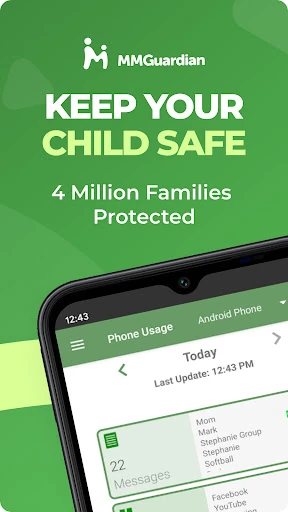
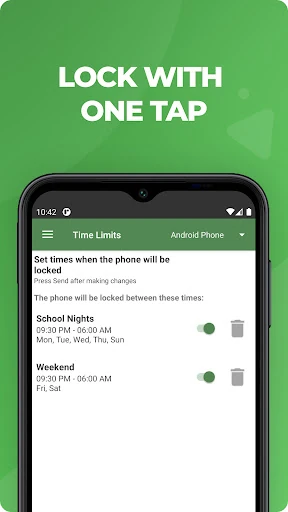
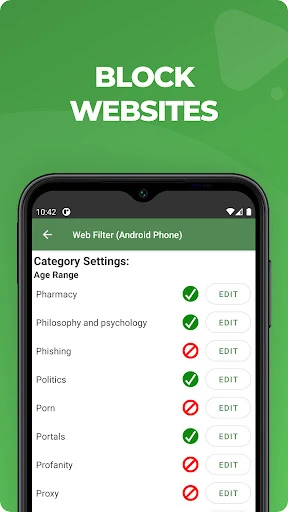
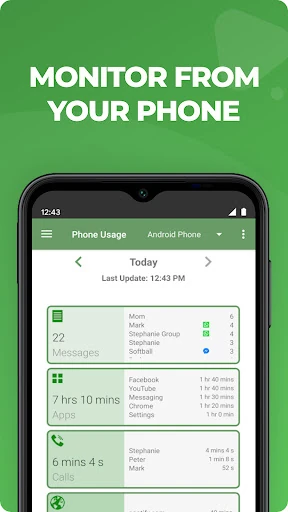
MMGuardian Parental Control is built for parents managing a child’s smartphone, especially during the pre-teen and teenage years. It combines screen-time controls with broader safety monitoring, giving parents a way to review device activity, set limits, and respond to potential problems rather than relying on basic app blocking alone.
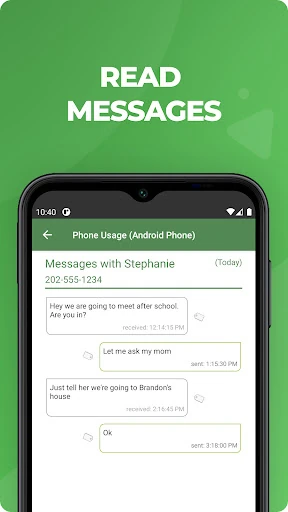
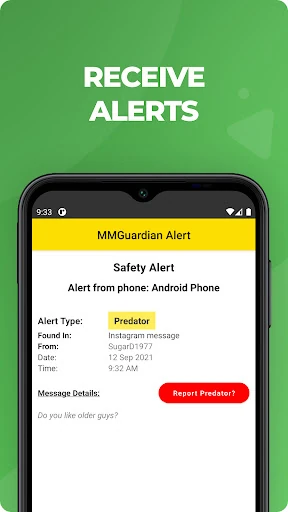
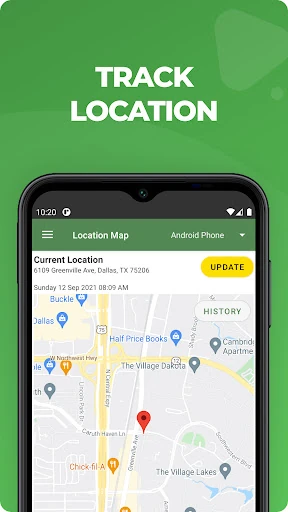
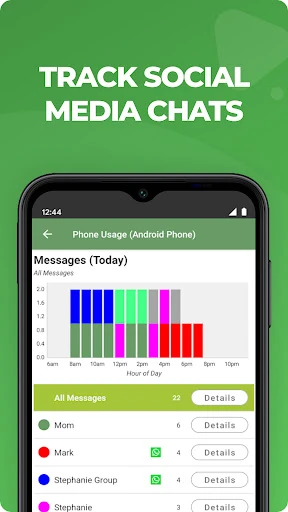
The app can monitor messages and activity across services commonly used by children, including social and chat platforms. Its safety tools look for warning signs linked to cyberbullying, drugs, violence, sexting, and mental health crises. It also supports photo analysis for inappropriate images, while location tracking helps parents check where a child’s device is when they are away from home.
This is aimed at families that want more oversight than a standard screen-time timer provides. It makes the most sense when a parent needs one place to manage usage, check communications, and keep an eye on safety signals across several parts of a child’s phone. The wide range of controls also means it may feel more involved than a simple content filter.
With a 4.25/5 rating from 26,601 reviews and more than 1,000,000 installs, MMGuardian has established a substantial user base. The developer, MMGuardian.com, has focused the app on practical parental supervision rather than adding unrelated features. Choose it for detailed monitoring and intervention tools; choose something simpler if you only need basic time limits.