BIGVU Teleprompter & Captions
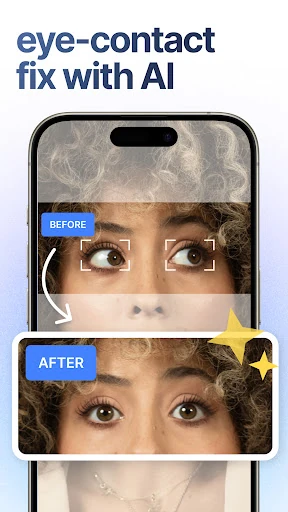
BIGVU AI Eye Contact & Video Subtitles
Downloads
5,000,000+
Version
Latest
Click to download now, finish the installation quickly, and directly unlock the all-round experience
Screenshots





Click to download now, finish the installation quickly, and directly unlock the all-round experience
BIGVU Teleprompter & Captions is built for people who record themselves speaking: presenters, educators, creators, sales teams, and anyone making short-form video. It scrolls a script while you film, helping you stay on message without repeatedly looking away from the camera. Text size and scrolling speed can be adjusted to match your delivery.
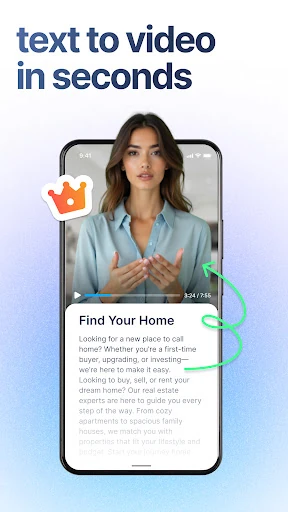
The app combines prompting with practical video tools. You can create or refine scripts with its AI writing assistance, then add subtitles generated from your recording. Captions can be styled with brand colours, while the editor supports trimming and cutting from the transcript rather than searching through the timeline by hand.
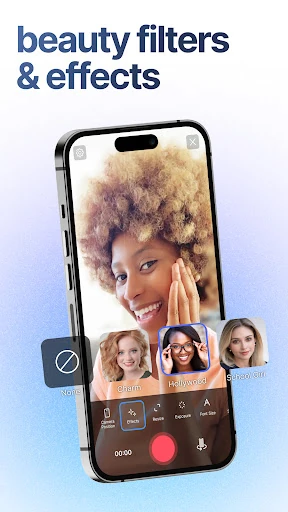
BIGVU is more than a basic autocue. Its workflow suits repeatable content such as tutorials, announcements, lessons, product videos, and personal messages. Live appearance filters and optional music tools are available for creators who want to polish a recording without moving to a separate editor.
With a rating of 4.17 from more than 60,000 reviews and 5,000,000+ installs, the app has a substantial user base. It is developed by BIGVU AI Eye Contact & Video Subtitles. Choose it if keeping your delivery steady, captions readable, and basic editing in one place matters more than having a full desktop video suite on your phone.